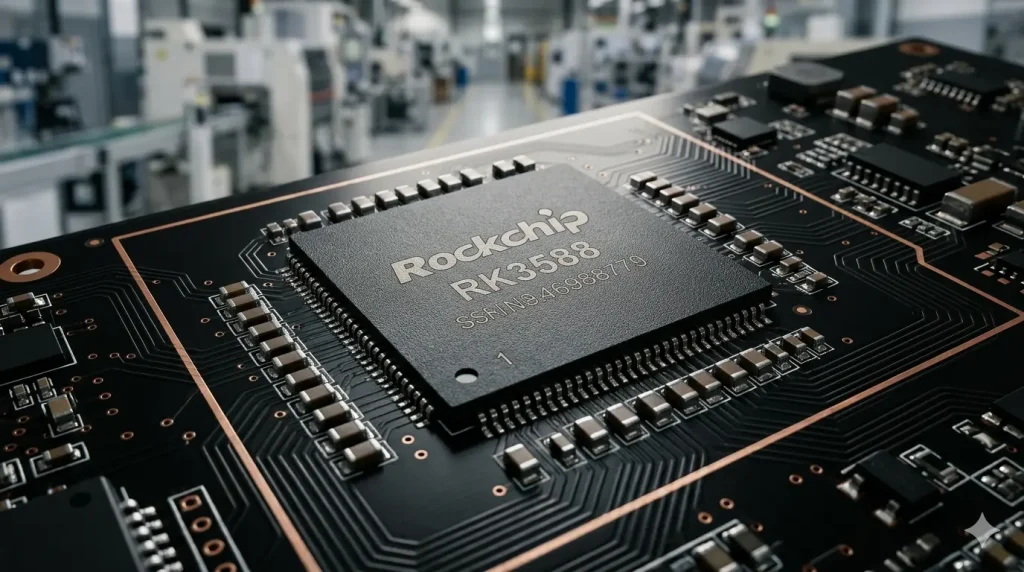
RK3588 NPU performance determines whether your edge device can handle real-time AI inference without a dedicated GPU. For most industrial vision tasks, its 6 TOPS NPU delivers over 50 FPS for YOLOv5s and effectively replaces entry-level NVIDIA Jetson modules by balancing cost, power, and I/O integration.
Key Takeaways
Performance Benchmark: RK3588 reaches 54+ FPS on YOLOv5s (INT8) and 244 FPS on ResNet18.
Precision Matters: 6 TOPS represents INT8 peak performance; FP16 performance is significantly lower (~0.5 TFLOPS).
Workflow: Requires RKNN-Toolkit2 for model conversion and quantization.
Cost Efficiency: Offers a consolidated SoC approach (CPU/GPU/NPU/ISP) that reduces overall BOM compared to discrete AI accelerators.
Industrial Fit: Ideal for sub-10W power envelopes where multi-camera processing is required.
What Does “RK3588 NPU Performance” Actually Mean?
When evaluating RK3588 NPU performance, it is crucial to distinguish between marketing “peak” numbers and deployment reality. In the world of edge computing, TOPS (Tera Operations Per Second) is the standard metric. However, RK3588’s 6 TOPS is specifically optimized for INT8 (8-bit integer) operations, which are common in deep learning inference.
If your project requires high-precision floating-point math (FP32), the NPU is not the right tool—you would fall back to the CPU or GPU, where performance drops drastically. For industrial AI, the goal is almost always quantization: converting models to INT8 to leverage the full 6 TOPS. According to Rockchip’s technical specifications, this NPU consists of three independent cores, allowing for flexible task allocation or parallel processing of multiple model pipelines. This architecture ensures that RK3588 6 TOPS edge AI capabilities remain stable even under thermal throttling, unlike mobile-grade chips.
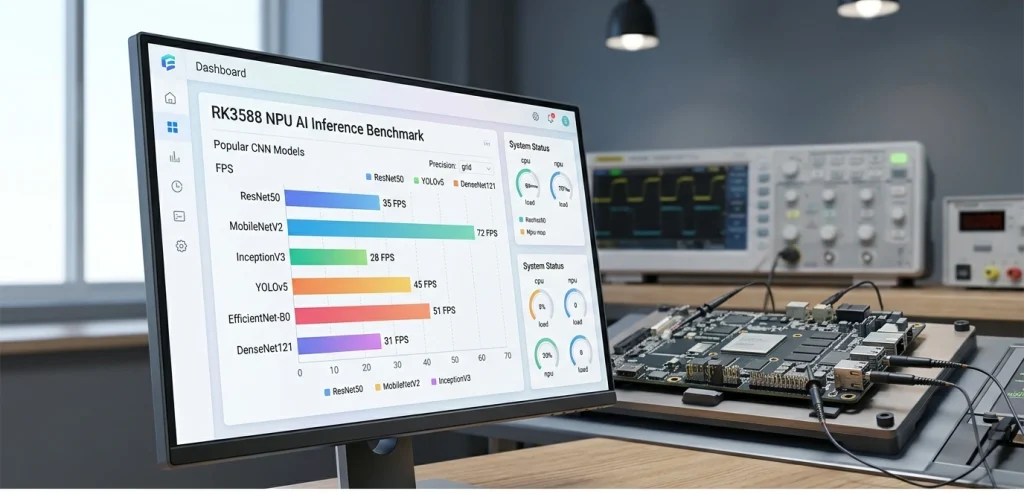
Real-World Benchmarks: RK3588 6 TOPS Edge AI in Action
To understand what RK3588 6 TOPS edge AI delivers, we must look at standardized benchmarks. While the older generation was a solid entry-point, our detailed comparison of RK3588 vs RK3399 edge AI performance shows a 10x leap in inference speed thanks to the dedicated NPU.
Performance Data Table (INT8 Quantization)
| Model | Framework | Latency (ms) | FPS | Use Case |
| ResNet18 | PyTorch | 4.09 | 244 | Quality Inspection |
| YOLOv5s | ONNX | 18.5 | 54 | Object Detection |
| YOLOv8n | PyTorch | 15.2 | 65 | Real-time Tracking |
| MobileNetV2 | TF Lite | 5.0 | 200 | Gesture Recognition |
Data Source: Compiled from CNX Software and ieeker internal lab tests.
While the NPU excels at CNN-based architectures, developers exploring RKNN-Toolkit2 inference benchmark results will notice that Transformer-based models (like ViT) may require more optimization. However, for 90% of industrial “detect-and-act” cycles, the 15-20ms latency provided by RK3588 is well within the requirements for line-speed automation.
Mastering the RKNN-Toolkit2 Inference Benchmark Workflow
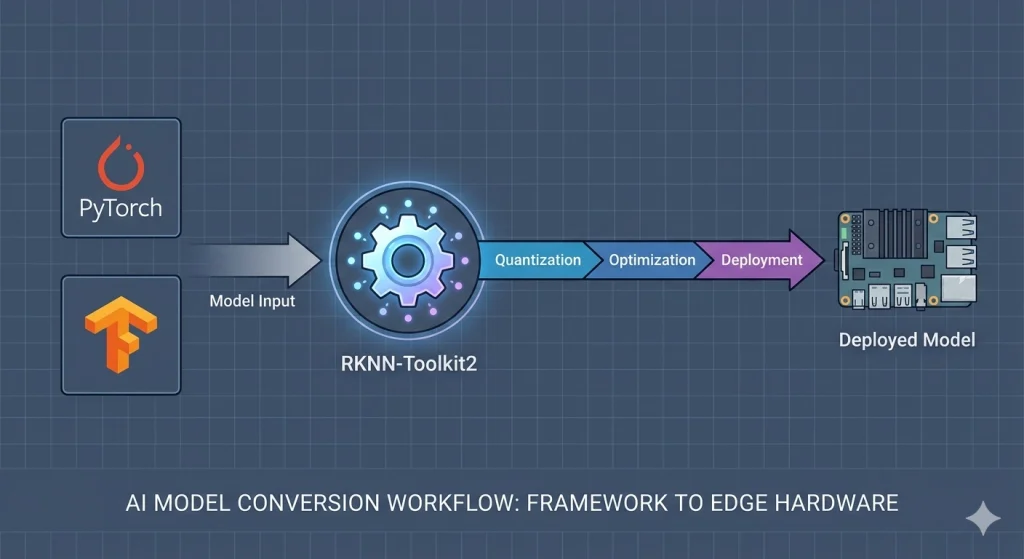
Achieving peak RKNN-Toolkit2 inference benchmark results requires a disciplined deployment pipeline. The toolkit acts as the bridge between popular frameworks like PyTorch or TensorFlow and the Rockchip hardware. The most critical stage is Quantization Analysis.
Export: Convert your trained model to a neutral format (usually ONNX).
Conversion: Use the RKNN-Toolkit2 to transform the ONNX file into a
.rknnbinary.Quantization: Provide a “calibration dataset” (typically 100-200 representative images).
Deployment: Utilize the RKNN Runtime C++ or Python API on the board.
A common pitfall is ignoring “Operator Support.” If your model uses a custom activation function not supported by the NPU, the toolkit will offload that layer to the CPU. This “CPU Fallback” can increase latency by 500% or more. Always verify your layers against the latest Rockchip Op-Support List.
💡 Get a Professional AI Feasibility Assessment
Don’t guess your project’s performance based on raw specs alone. Our engineering team provides a free model pre-evaluation service. Get a Custom Quote & Tech Support →
From the Factory Floor: A Real-World Quantization Challenge
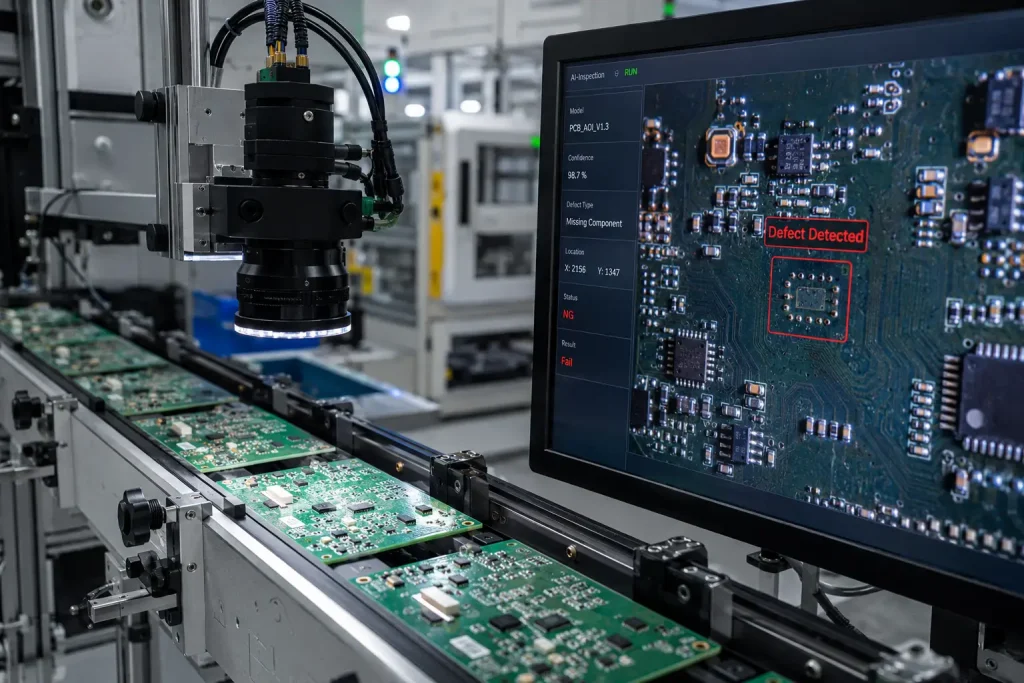
In a recent deployment for a PCBA manufacturer, we encountered a classic “Precision vs. Speed” wall. The client was using a ResNet50 backbone for high-speed soldering defect detection. As a specialist in Development Board manufacturing, we understand that hardware stability is just as critical as software optimization.
When we moved to the RK3588 NPU using standard INT8 quantization, the accuracy plummeted to 73%. The culprit? The calibration dataset used during the RKNN conversion was too small and lacked “negative” examples (clean boards).
The Solution: We expanded the calibration set to 500 images and utilized Hybrid
Quantization—keeping the final fully connected layers in FP16 while the heavy convolutional layers ran in INT8.
The Result: The accuracy bounced back to 88.9%, with a latency of 28ms per board, satisfying the line-speed requirements.
Project Case Study: 16-Camera Smart Traffic Node
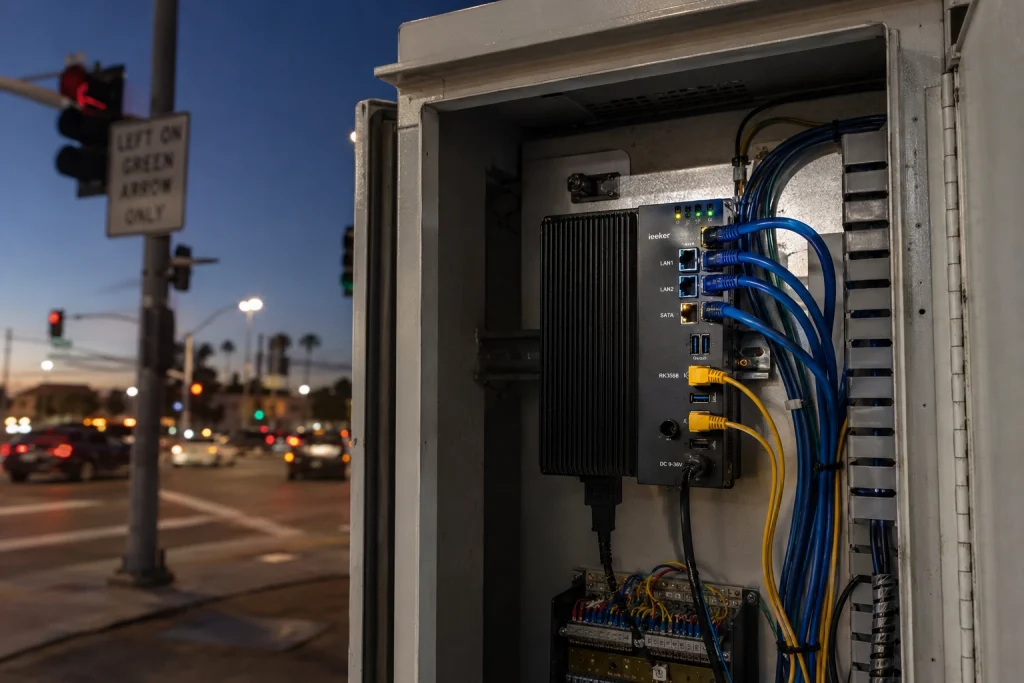
We recently implemented an urban traffic management node leveraging our RK3588 industrial computer, which is pre-integrated with dual Gigabit Ethernet and PCIe interfaces for robust edge deployments. The requirement was to process 16 concurrent 720P RTSP streams to detect license plates and vehicle types.
Hardware Setup:
Core: RK3588 (4x A76 + 4x A55)
NPU: 6 TOPS (3-core cluster)
Cooling: Fanless aluminum chassis (Passive)
Deployment Strategy: By leveraging the multi-core NPU, we assigned 5-6 streams per NPU core. We used a pruned MobileNet-SSD architecture tailored for license plate localization.
The Data:
Throughput: 18-20 FPS per channel across all 16 channels.
Power Consumption: The entire system pulled just 7.4W under full AI load.
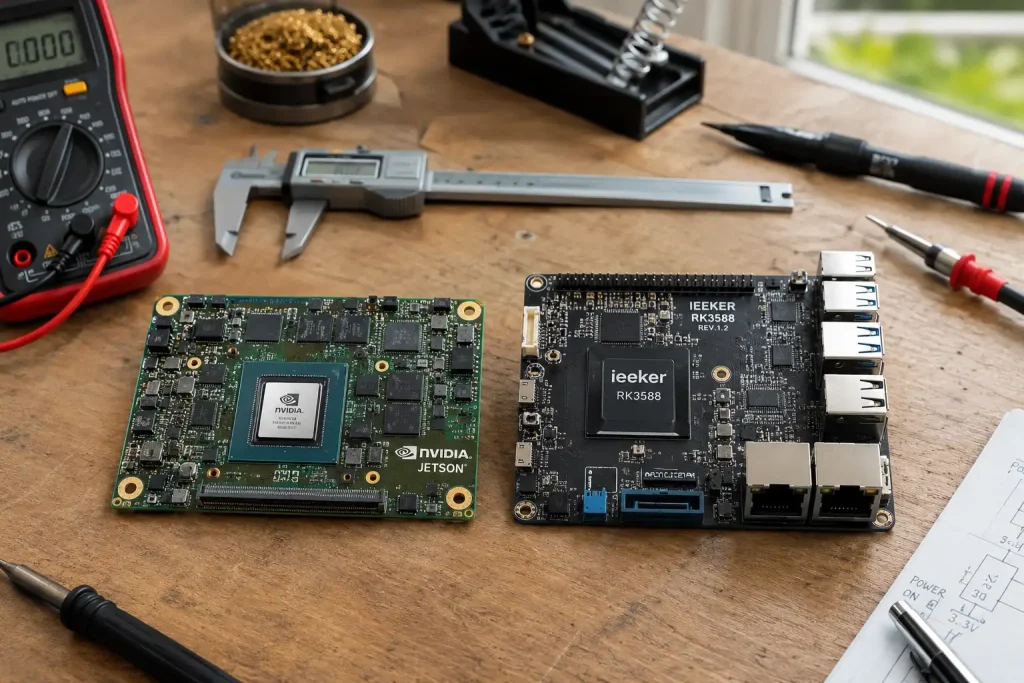
Comparison: A similar international known case using NVIDIA Jetson Orin NX (25W) delivered higher FPS but at 3x the hardware cost and significantly higher heat output, which would have required active cooling—a failure point in dusty roadside cabinets.
This project proved that for distributed edge nodes, the RK3588’s 6 TOPS is the “Sweet Spot” for balancing multi-stream capability and thermal reliability.
Is 6 TOPS Enough? A Final Decision Matrix
Before choosing your hardware, ask these three questions:
Is your model CNN-based? If yes (YOLO, ResNet, SSD), RK3588 is excellent.
What is your latency budget? If you need <10ms for a complex YOLOv8l model, you might need a 20+ TOPS accelerator like the Hailo-8.
Does your system need to do more than AI? If you also need to encode 4K video or run a web server, the RK3588’s octa-core CPU and 8K VPU make it superior to “AI-only” chips.
If you are unsure if 6 TOPS is enough for your model, you can get a quote and technical assessment from our engineering team.
Conclusion: Making the Most of RK3588 NPU Performance
The RK3588 NPU performance is a game-changer for industrial edge computing, but only when paired with the right engineering approach. While “6 TOPS” is the headline figure, the real value lies in the chip’s ability to handle high-speed INT8 inference while simultaneously managing 8K video streams and complex I/O tasks.
For engineers, the path to success involves a robust RKNN-Toolkit2 inference benchmark strategy—focusing on high-quality quantization and operator optimization. For project managers, it offers a way to achieve “Jetson-level” results at a significantly more competitive price point and within a tighter power budget. Whether you are building an AOI system for a factory or a multi-stream traffic monitor, the RK3588 provides the headroom needed for next-generation edge AI deployments.
FAQ
Q: Can I run Llama-3 on RK3588?
A: Large Language Models (8B+) exceed the NPU’s efficient memory handling. However, 1B-2B parameter models like TinyLlama or Qwen-1.8B run effectively at ~15 tokens/s using the RKLLM runtime.
Q: Does RK3588 support TensorFlow?
A: Yes, via conversion to ONNX or directly through the RKNN-Toolkit2 TensorFlow frontend.
Q: How does the NPU handle heat in industrial environments?
A: Under full 6 TOPS load, the NPU adds approximately 2-3W to the SoC power draw. In an ieeker fanless industrial chassis, it can maintain peak performance at ambient temperatures up to 60°C.
Q: Where can I get technical support for ieeker boards?
A: Visit our technical support for ieeker boards page for documentation and RKNN scripts.
References
Technical Definitions: TOPS (Tera Operations Per Second) – Wikipedia
Official Toolchain: Rockchip RKNN-Toolkit2 GitHub Repository
Industry Standards: Embedded Vision Alliance – Processor Benchmarking
Performance Benchmarks: CNX Software – Rockchip RK3588 AI Performance Tests
Comparison Data: NVIDIA Jetson Orin Nano Technical Specifications