The question “what is a Linux device” has two valid answers, and the confusion comes from both being correct in different contexts. Inside the kernel, a Linux device is an abstraction — a node in /dev, a struct device in the driver model, an entry in /sys. Outside it, people mean hardware that runs Linux: a TV box, a router, an industrial board, or the unfamiliar “Linux device” that showed up in their Google account.
The bridge between the two meanings is the device driver. This article covers all three: kernel device nodes, device trees, and the consumer-facing device you actually own.
Meaning One: A Device Node in the Kernel
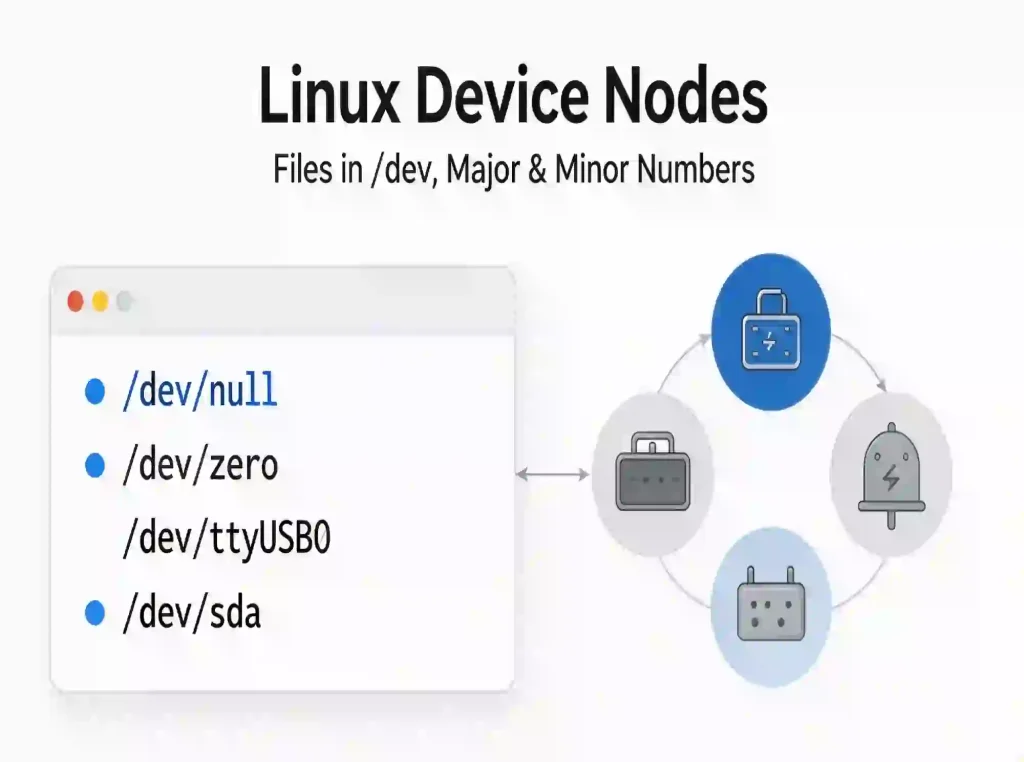
Linux doesn’t let user space touch hardware directly. Hardware is exposed as special files in /dev, and programs interact with it by calling read, write and ioctl on those files. This idea is the oldest in Unix I/O and still the most useful: if a device behaves like a file, every existing tool already works with it.
Each node carries two numbers. The major number selects the driver that services the device; the minor number selects the specific instance. The mknod system call creates exactly this, and the mknod(2) man page states it plainly: when the file type is S_IFCHR or S_IFBLK, the dev argument supplies the major and minor numbers of the new special file.
Two types cover nearly everything:
- Character devices — byte-oriented, unbuffered, no block alignment: serial ports (
/dev/ttyS0,/dev/ttyUSB0), I²C buses (/dev/i2c-1), GPIO controllers (/dev/gpiochip0), camera capture (/dev/video0). - Block devices — fixed-size blocks with a page cache in front: disks and partitions (
/dev/sda,/dev/nvme0n1), loop devices.
The nodes people ask about most:
| Node | Major | Purpose |
|---|---|---|
/dev/null | 1 | Discards writes, returns EOF on read |
/dev/zero | 1 | Returns an endless stream of zero bytes |
/dev/random, /dev/urandom | 1 | Kernel entropy sources |
/dev/tty | 4 | Controlling terminal of the current process |
/dev/sda | 8 (typical) | First SCSI/SATA/USB block disk |
Older systems shipped a static /dev full of pre-created nodes. Modern systems use devtmpfs with udev, which create and remove nodes as hardware appears and disappears, applying ownership and permission rules at the same time. mknod still works by hand and remains a legitimate debugging step, but on a running system hardware hotplug creates nodes, not an administrator.
The Driver Model: Where Device and Driver Meet
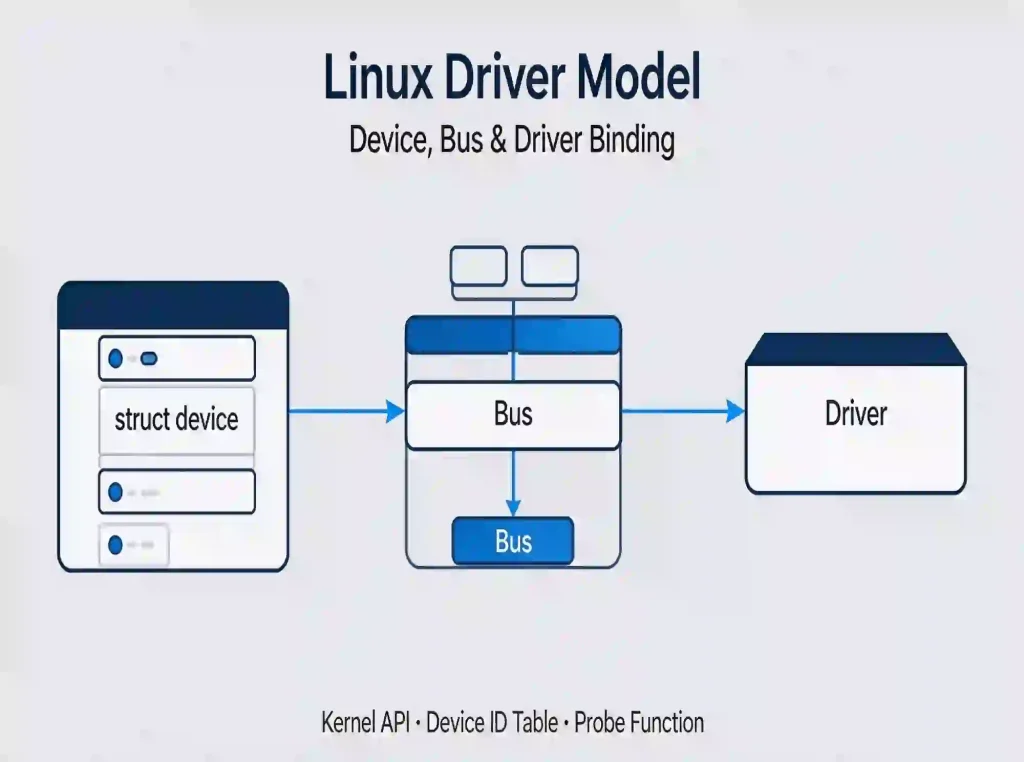
The node is the user-space face of something deeper. In the kernel, struct device represents a piece of hardware and registers on a bus — PCI, USB, platform, I²C, SPI, virtio. A driver registers against the same bus, and the kernel matches them: the driver’s device ID table is compared with what the bus reported, and on a match the driver’s probe function runs and initialises the hardware.
That is the complete answer to “what is a Linux device driver”: the half that knows how to operate the hardware. The device is the half that describes what physically exists. The kernel’s driver API guide formalises the model — driver binding, bus types, the basic device structure, managed resources.
The consequence for integrators: nothing is hardcoded. One kernel image boots on different boards because hardware discovery supplies the inventory. On a PC that inventory comes from ACPI and PCI enumeration; on most ARM embedded systems it comes from a device tree.
What a Linux Device Tree Is
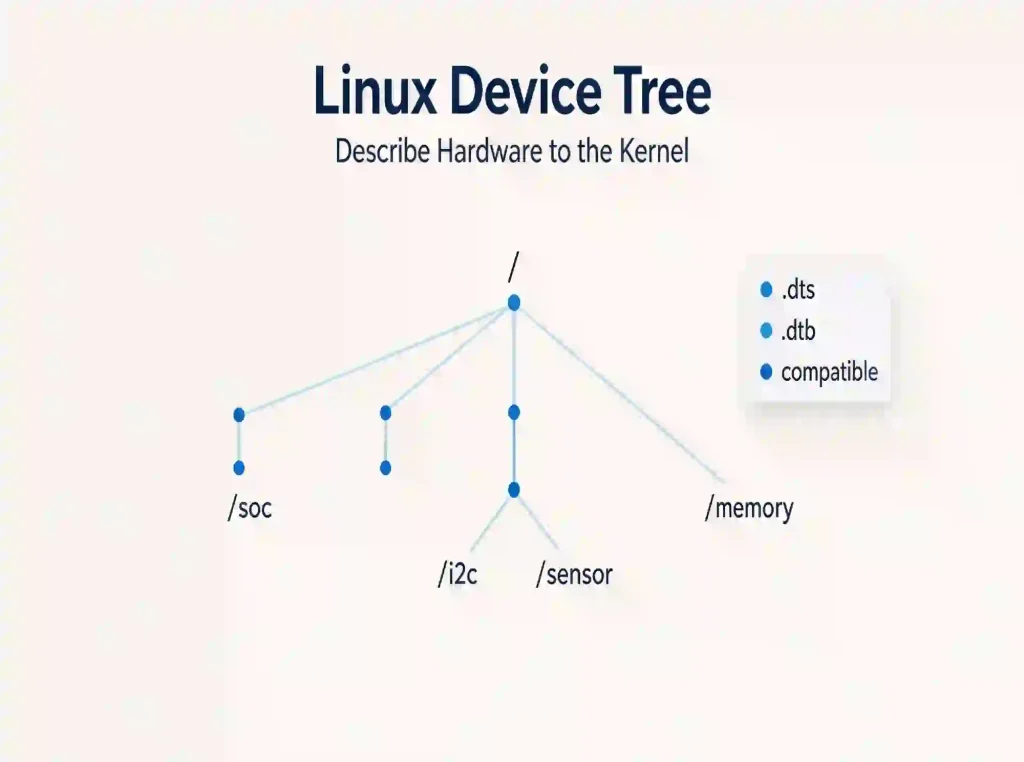
A device tree is a data structure describing hardware to the kernel — CPUs, memory, buses, peripherals — so the kernel can manage components it wasn’t compiled for. The description is written in source files (.dts, with .dtsi includes), compiled to a binary blob (.dtb), and passed to the kernel at boot. The format is standardised in the Devicetree Specification, which defines nodes, properties, and the path convention used to address a node — a path through the tree such as /soc/i2c@.../sensor@....
This exists because a modern SoC has hundreds of possible peripheral configurations, and shipping one kernel binary per board combination is unmaintainable. Describing the board as data and letting a single kernel consume it is the only workable model.
Inspect the live tree read-only under /sys/firmware/devicetree/base, and on older kernels at /proc/device-tree. Reading those directories is the fastest way to confirm whether a peripheral is described at all — before spending a day debugging a driver that was never told the hardware exists. Bootlin’s Device Tree 101 is where most engineers start.
This matters at selection time: ARM embedded boards almost always need a device tree edit to enable a peripheral, x86 boards almost never do. Bringing up an RK3568 or RK3588 board with a MIPI camera that doesn’t appear? Check the device tree before the driver.
What "Generic Linux Device" Means
The term has two informal uses, neither a formal kernel term.
In device tree work, a generic binding describes only the class of hardware — a GPIO-driven LED, a plain I²C sensor — using a compatible string an existing general-purpose driver already handles, instead of a vendor binding that needs a custom driver. Generic bindings are the cheap path: fewer DT lines, existing driver, less to maintain.
Colloquially, a generic Linux device means standard, self-describing Linux hardware — an x86 machine where ACPI and enumeration supply everything, with no board-specific description required. Against an embedded board where every peripheral must be declared, “generic” simply means nothing bespoke was needed to bring it up.
Meaning Two: Hardware That Runs Linux
Outside kernel documentation, “Linux device” means a device whose operating system is Linux. The category is far broader than desktop users expect:
- Linux TVs and set-top boxes — most smart TVs, Android TV boxes and media players run a Linux kernel underneath. The kernel-side ecosystem for capture and broadcast is maintained by the LinuxTV project, home of Video4Linux and DVB.
- Routers, NAS units, firewalls — Linux with a vendor build on top.
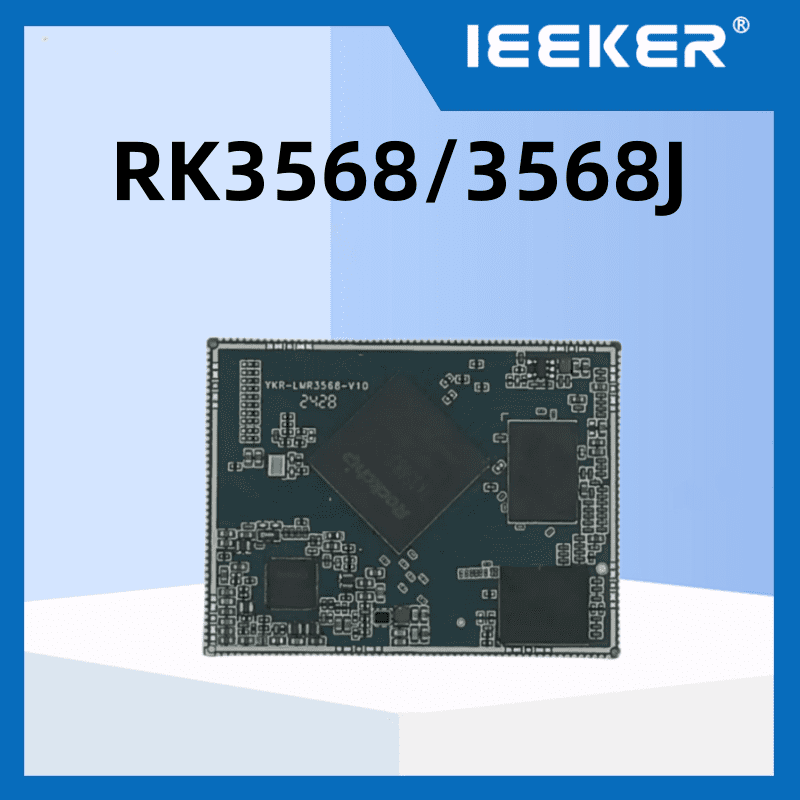
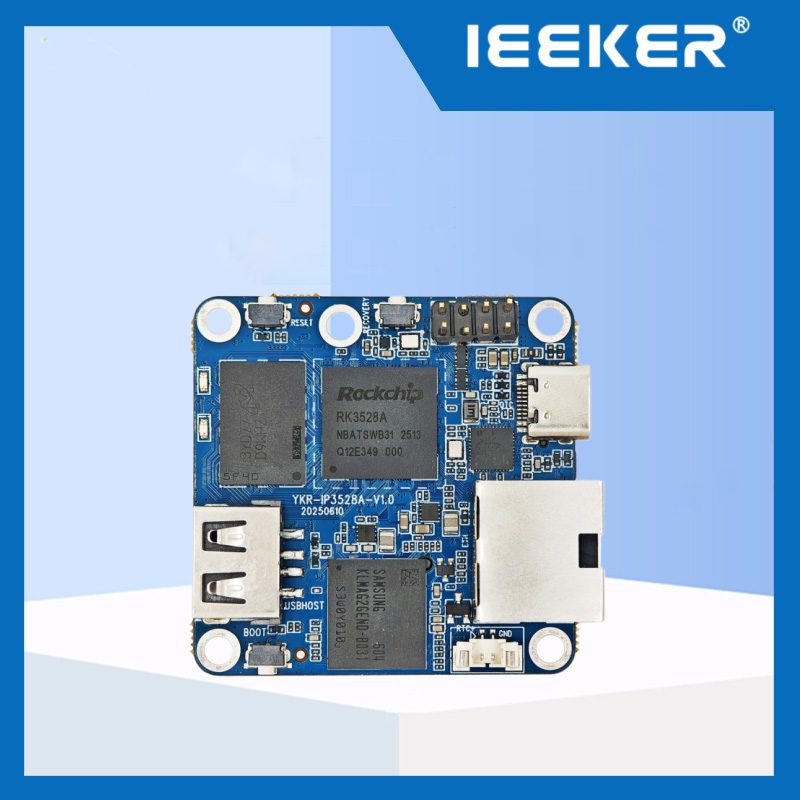
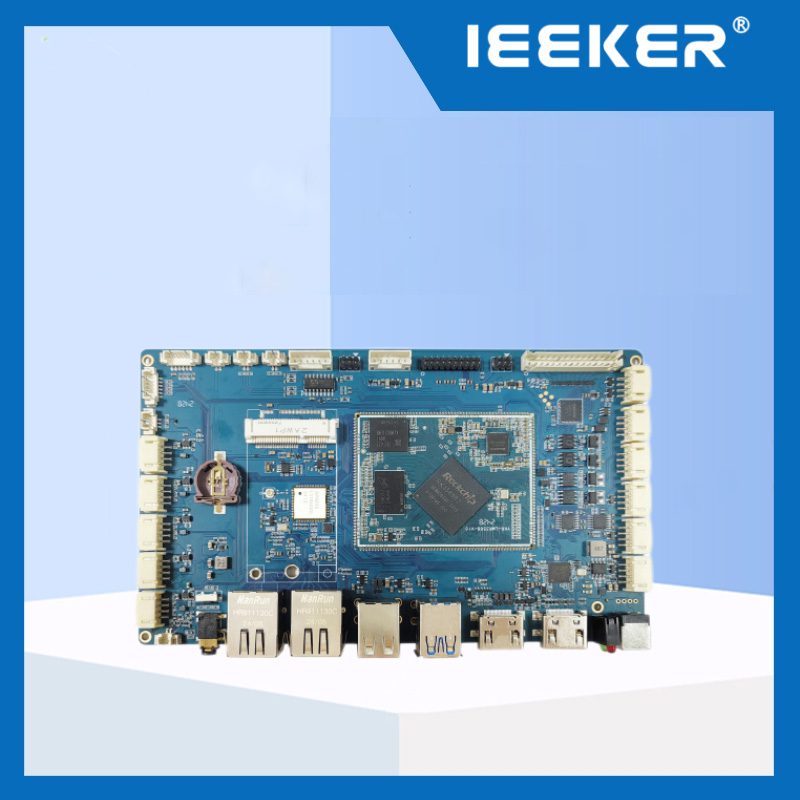
- Industrial SBCs and panel PCs — RK3568, RK3576, RK3588, i.MX 8M class boards.
- Android devices — Linux with a different user-space stack.
- Servers and containers — Linux throughout.
So “what is a Linux device used for” has an equally broad answer: routing, media playback, industrial control, machine vision, point-of-sale, medical instruments, automotive infotainment — anywhere a general-purpose OS with real drivers beats custom firmware on cost and time.
When a Linux Device Appears on Your Wi-Fi or Google Account
This is the practical half of the question, and the answer is usually mundane.
A device appears on your router’s client list because it holds an IP address from DHCP. It appears in your Google account’s device list because something signed in to a Google service from it — Chrome, Gmail, Play Store, or an app using Google Sign-In. Both lists identify it by name, usually a hostname set at install time, and by MAC address.
To identify an unknown entry: pull the MAC from the router’s client table and look up the first three octets, the vendor OUI; read the hostname, which often names the board or the OS build; and if the entry sits in your Google account, review the sign-in location and revoke sessions you don’t recognise from the security settings. An entry labelled “Linux device” is not evidence of intrusion — it is the default label for hardware that reported no friendlier name. It is evidence that something signed in, worth confirming once.
FAQ
What is a Linux device driver in one sentence? Kernel code that knows how to operate specific hardware, registered on a bus and bound to a struct device whose identification matches the driver’s device table.
What is the difference between a device node and a device driver? The node is a file in /dev that user space opens and reads or writes; the driver is kernel code servicing those calls. The node is the door, the driver is the room behind it.
Do I need a device tree on an x86 Linux machine? No. x86 platforms use ACPI and PCI enumeration. Device trees are standard on ARM and most embedded SoCs, where no firmware description exists.
Why does my Linux device show up as “unknown” on the network? It reported no hostname, or the router didn’t resolve one. Identify it by MAC and vendor prefix, then set a hostname on the device itself — most industrial Linux boards accept this in the OS image or through systemd/netplan configuration.
What is a generic Linux device? Either a device tree node using a general-purpose binding that an existing driver already handles, or colloquially any standard Linux hardware that boots without a custom board description.