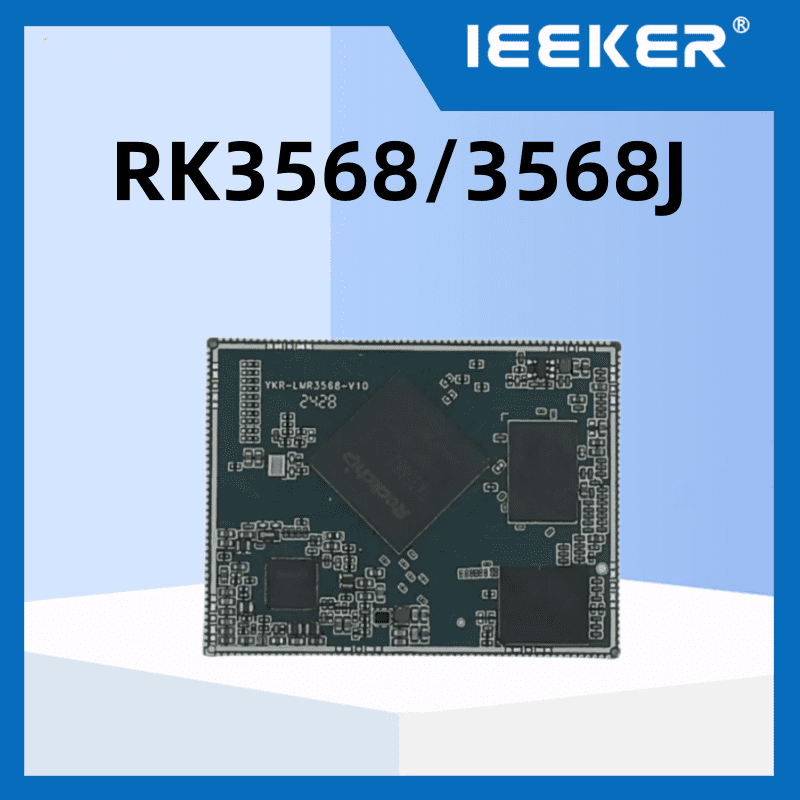
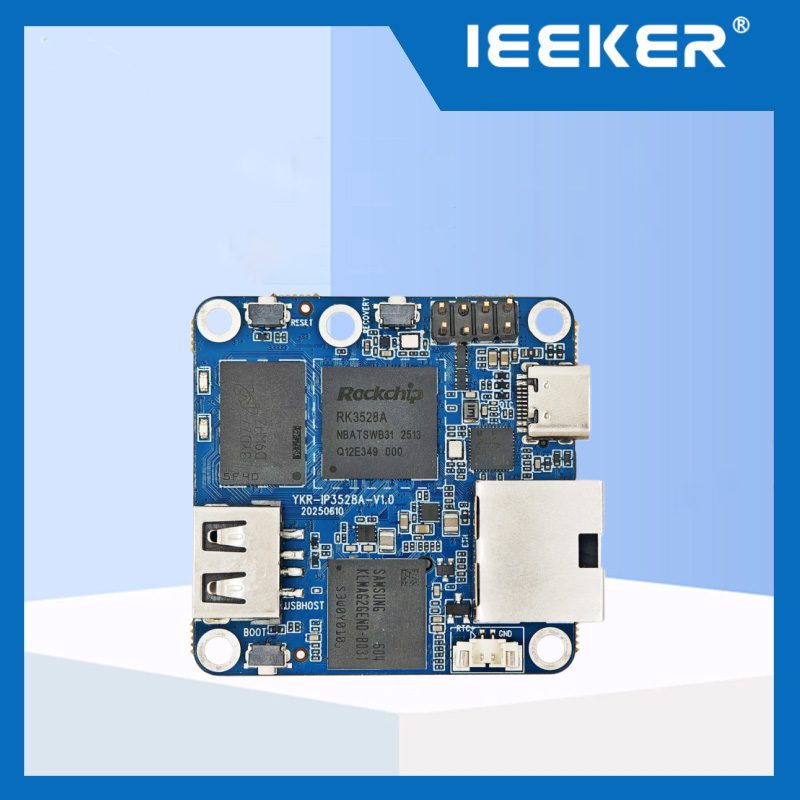
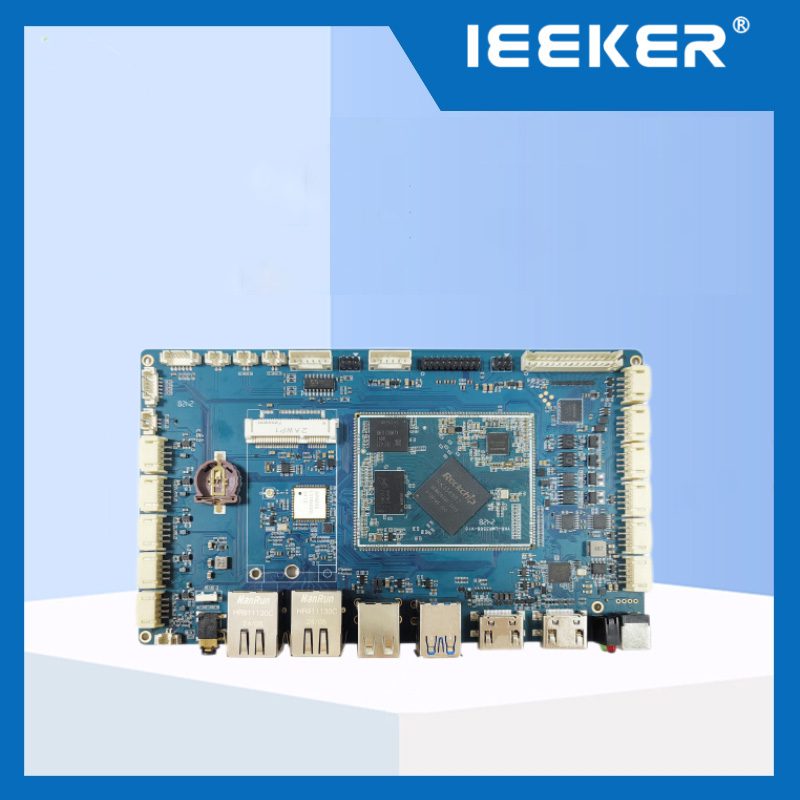
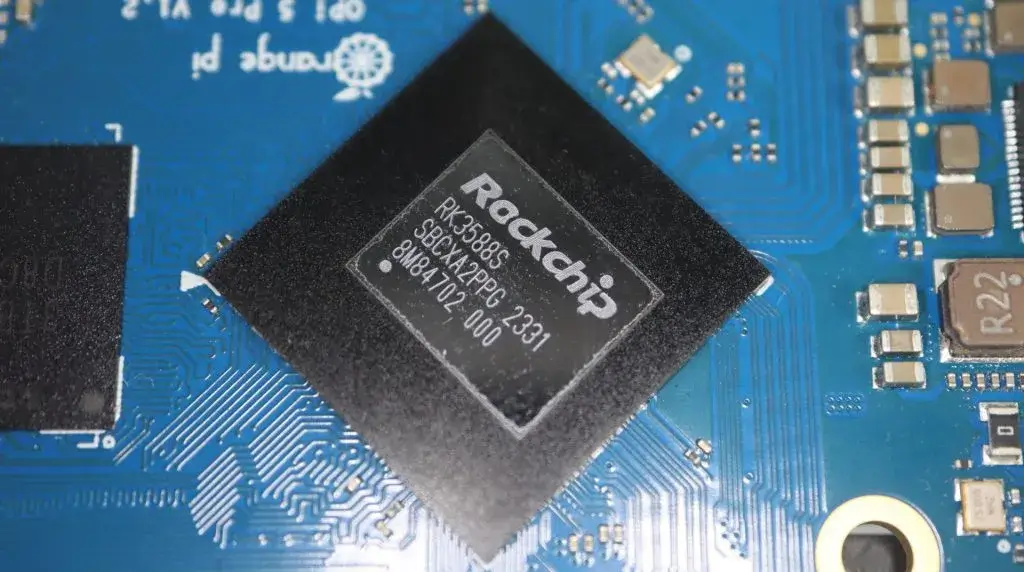
Flashing firmware is one of the most frequent operations for Rockchip single‑board computer developers. Whether you are deploying Linux, Android or custom system images, correct firmware flashing ensures stable operation of your embedded hardware.
This tutorial applies to mainstream Rockchip SBC hardware, including the RK3328 development board, RK3568 core board and RK3588 development board. We will walk you through SD‑card flashing and common error handling.
Pre‑requisites
Before you start flashing Rockchip firmware, prepare the following items:
- Valid official or customized Rockchip firmware image file
- High‑quality Micro‑SD card, 8GB or larger, Class‑10 recommended
- SD card reader
- Host PC running Windows / Linux
Notice: Do not power‑off the board during flashing process. Power interruption may cause boot brick.
Step 1: Prepare SD Card & Firmware Image
Format your Micro‑SD card to FAT32. Download the matched firmware image for your hardware model. Make sure you get the correct firmware for your board. Firmware for RK3328 cannot be directly used on RK3588 hardware.
Step 2: Write Image to SD Card
Use imaging tool such as BalenaEtcher to burn the .img firmware file into your SD card.
- Open BalenaEtcher
- Select downloaded Rockchip firmware image
- Select your target SD card device
- Click Flash and wait for completion
After burning finishes, safely eject your SD card from PC.
Step3: Boot From SD‑Card
Insert the burned SD‑card into your Rockchip board SD slot. Power on your RK3568 core board, the device will automatically boot from SD‑card and start firmware installation. Wait for 3‑8 minutes, do not cut power supply.
Common Flashing & Boot Troubleshooting
Many developers encounter boot‑loop or black‑screen after flashing Rockchip firmware.
- Check whether firmware matches your exact hardware SKU
- Replace another SD‑card, bad SD card is the top cause of flashing failure
- Double‑check power adapter voltage and current output
If you keep facing startup failure, you can view our full article about Rockchip SBC boot problems for further diagnosis.
Frequently Asked Questions
Q: Can I mix firmware between RK3328 and RK3588? A: No. Each chip platform requires dedicated firmware. Cross‑platform firmware will lead to boot failure.
Q: Do I need special tool for Rockchip firmware flashing? A: For SD‑card boot flashing, BalenaEtcher is enough. For mask‑rom mode, you need Rockchip official RKDevTool.
Disclaimer All operation steps are for technical reference only. Actual hardware behaviour may differ based on board revision. For official specifications and firmware documents, please refer to Rockchip official documentation. Test on your hardware before mass deployment.