
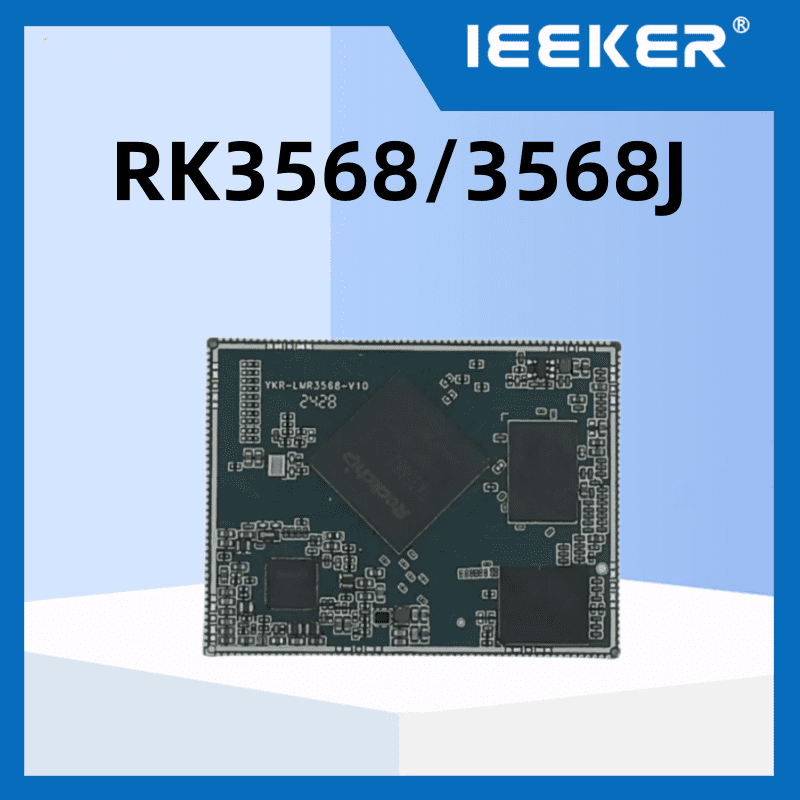
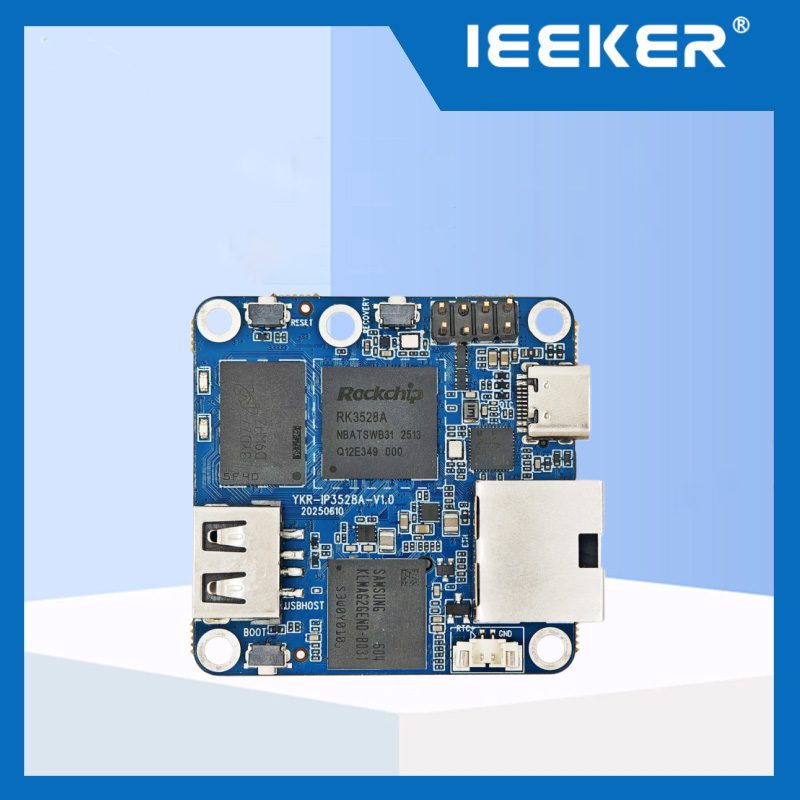
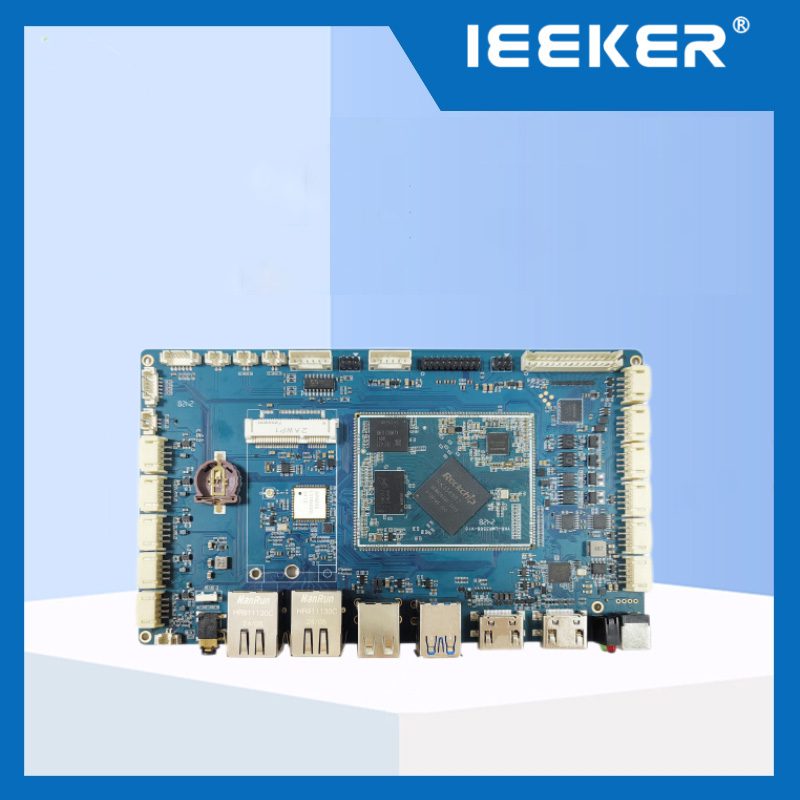
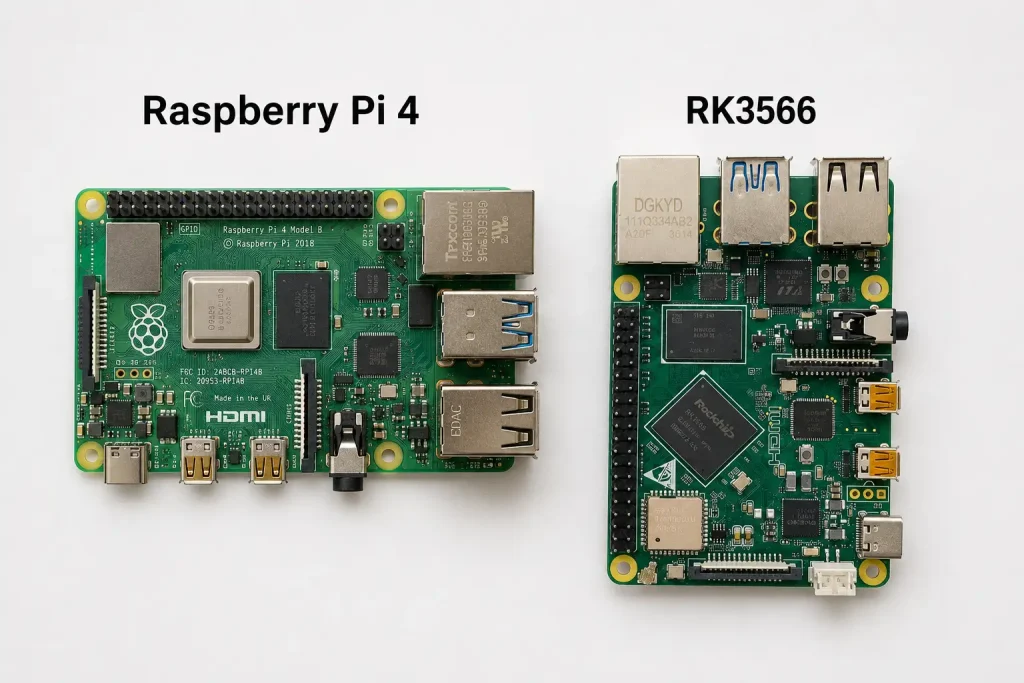
Respuesta breve: En RK3566 vs Raspberry Pi 4 decision splits cleanly by project type. If you're prototyping, learning, or building something for personal use, Raspberry Pi 4 wins on ecosystem and simplicity. If you're building a commercial product that ships to customers — a kiosk, a control panel, a smart display — RK3566 is the better platform. It adds a built-in AI inference NPU, MIPI DSI and LVDS display interfaces, eMMC storage, and a more predictable supply chain for production volumes.
En RK3566 vs Raspberry Pi 4 comparison is one engineers reach when their prototype works on a Pi and they're planning to move into production. The Pi is familiar. Its GPIO header is standard. Tutorials are everywhere. But a commercial product has different requirements. It needs a supply chain that doesn't run out of stock. It may need a display interface that Pi 4 doesn't natively support. It likely needs an AI inference engine. And it often needs eMMC flash instead of an SD card that fails in field conditions.
This guide addresses that transition directly. It compares both boards on the criteria that matter for a shipped product, not a desk prototype.
Principales conclusiones
- Raspberry Pi 4 uses a Cortex-A72 CPU; RK3566 uses Cortex-A55 — Pi 4 wins single-thread benchmarks, RK3566 wins on efficiency and thermal design
- RK3566 has a 0.8-1.0 TOPS NPU for on-device AI inference; Raspberry Pi 4 has no NPU at all
- RK3566 supports MIPI DSI, LVDS, and eDP panels natively; Pi 4 only outputs via HDMI or DSI (without LVDS or eDP)
- RK3566 supports eMMC onboard storage; Pi 4 relies on microSD or the separate CM4 with optional eMMC
- Raspberry Pi 4 has the largest single-board computer community in the world — more tutorials, more ready-made software, faster prototyping
- RK3566 boards from industrial vendors have more predictable long-term availability than Raspberry Pi 4, which has had well-documented stock shortages
- Both support Linux (Debian, Ubuntu) and Android; Pi 4 also has Raspberry Pi OS with its vast software library
- For commercial products requiring display panel integration, AI inference, or reliable field storage, RK3566 is the better production platform
RK3566 vs Raspberry Pi 4: Full Specification Comparison
En RK3566 vs Raspberry Pi 4 specification gap is larger than most engineers expect. The CPU story in the RK3566 vs Raspberry Pi 4 comparison is mixed. Everything else favors one side clearly.
| Especificaciones | RK3566 | Raspberry Pi 4 Model B |
|---|---|---|
| SoC | Rockchip RK3566 | Broadcom BCM2711 |
| CPU | 4× Cortex-A55 @ 1.8GHz | 4× Cortex-A72 @ 1.5GHz |
| NPU / AI accelerator | 0,8-1,0 TOPS (RKNN) | Ninguno |
| GPU | Mali-G52 2EE (OpenGL ES 3.2) | VideoCore VI (OpenGL ES 3.1) |
| Decodificación de vídeo | 4K a 60 fps, H.265/H.264/VP9 | 4K@60fps H.265/H.264 |
| Salidas de pantalla | HDMI + MIPI DSI + LVDS + eDP (dual independent) | 2× micro-HDMI + 1× MIPI DSI (no LVDS, no eDP) |
| Local storage | eMMC onboard + microSD | microSD only (CM4 adds optional eMMC) |
| Ethernet | 1× Gigabit Ethernet | 1× Gigabit Ethernet |
| USB | USB 3.0 + USB 2.0 | 2× USB 3.0 + 2× USB 2.0 |
| PCIe | PCIe 2.1 ×1 (M.2 NVMe) | PCIe 2.0 ×1 (via CM4 only) |
| Compatibilidad con sistemas operativos | Android, Debian, Ubuntu, Buildroot | Raspberry Pi OS, Ubuntu, Android (unofficial) |
| Community size | Growing industrial/maker community | Largest SBC community globally |
| Production supply | Industrial vendors, stable lead times | Raspberry Pi Ltd — historic stock shortages |
CPU Performance: Where Pi 4 Leads and Where It Doesn't Matter
The Raspberry Pi 4's Cortex-A72 core is architecturally faster than the RK3566's Cortex-A55 on a per-clock basis. The Raspberry Pi's A72 CPU is more powerful. However, the RK3566's quad-A55 configuration offers better overall balance — the real-world user experience is comparable. This is the fair summary. On single-threaded benchmarks, Pi 4 leads. On multi-threaded workloads at comparable power levels, the gap is small.
For the applications where RK3566 and Pi 4 compete directly — HMI panels, kiosks, light gateways — neither board is CPU-bound under normal operating conditions. Rendering a Qt UI, running a Node-RED dashboard, or serving a web interface uses a fraction of either chip's available CPU capacity. The CPU difference will not be visible to the end user of a control panel or a kiosk terminal.
Where RK3566 has a thermal advantage: the Cortex-A55 architecture is designed for efficiency. It runs at lower voltage and dissipates less heat at sustained loads. Many commercial products are sealed enclosures with passive cooling. RK3566 handles this better than Pi 4, which runs warmer and recommends active cooling for sustained workloads.
RK3566 vs Raspberry Pi 4: Three Gaps That Matter for Commercial Products
Gap 1: NPU for On-Device AI Inference
This is the clearest technical difference. Rockchip's RK3566 includes a low-power neural processing unit (NPU) coprocessor, offering 0.8 TOPS at INT8 precision. The Raspberry Pi 4 has no NPU. Zero. Any AI inference on Pi 4 runs on the CPU — which works for very basic tasks, but is slow and thermally demanding compared to dedicated hardware.
For commercial products where AI is part of the feature set — face recognition login, occupancy sensing, defect detection, gesture control — the RK3566 NPU enables these features at power-efficient speeds. Pi 4 either can't do them at real-time speeds, or requires an external AI accelerator (Google Coral, Intel Neural Compute Stick) that adds cost and complexity.
Gap 2: Industrial Display Interfaces
Raspberry Pi 4 outputs via two micro-HDMI ports and one MIPI DSI connector. HDMI works for most displays. But industrial HMI panels — the kind flush-mounted in machine cabinets and wall panels — commonly use LVDS (Low-Voltage Differential Signaling) or eDP interfaces. Pi 4 doesn't support either natively.
RK3566 supports HDMI, MIPI DSI, LVDS, and eDP. This matters when selecting a panel for a product. Industrial-grade LVDS panels are available in a wide range of sizes and brightness ratings. They're more suitable for products requiring wide temperature operation or high-brightness outdoor displays. For RK3566's LVDS selection logic in industrial HMI design, see our industrial HMI display interface guide — the same interface selection principles apply directly.
Gap 3: eMMC Storage vs microSD
Raspberry Pi 4 boots from microSD by default. MicroSD cards work fine on a desk. In the field, they fail. Vibration, temperature cycling, and write wear all degrade consumer microSD cards faster than the applications they're running. Products deployed in machines, vehicles, or outdoor enclosures should use eMMC.
RK3566 boards support onboard eMMC as a standard storage option. eMMC is soldered to the board. It has no connector to come loose. It uses higher-endurance flash. It writes at consistent speeds without degrading. For any product that will ship to a customer and be expected to run for years without storage failure, eMMC is the correct choice.
Note: the Raspberry Pi Compute Module 4 (CM4) adds optional eMMC. But the CM4 requires a separate carrier board and loses the Pi 4's standard form factor. At that point, you're building a custom hardware stack anyway — and an RK3566-based design becomes directly comparable in integration effort.
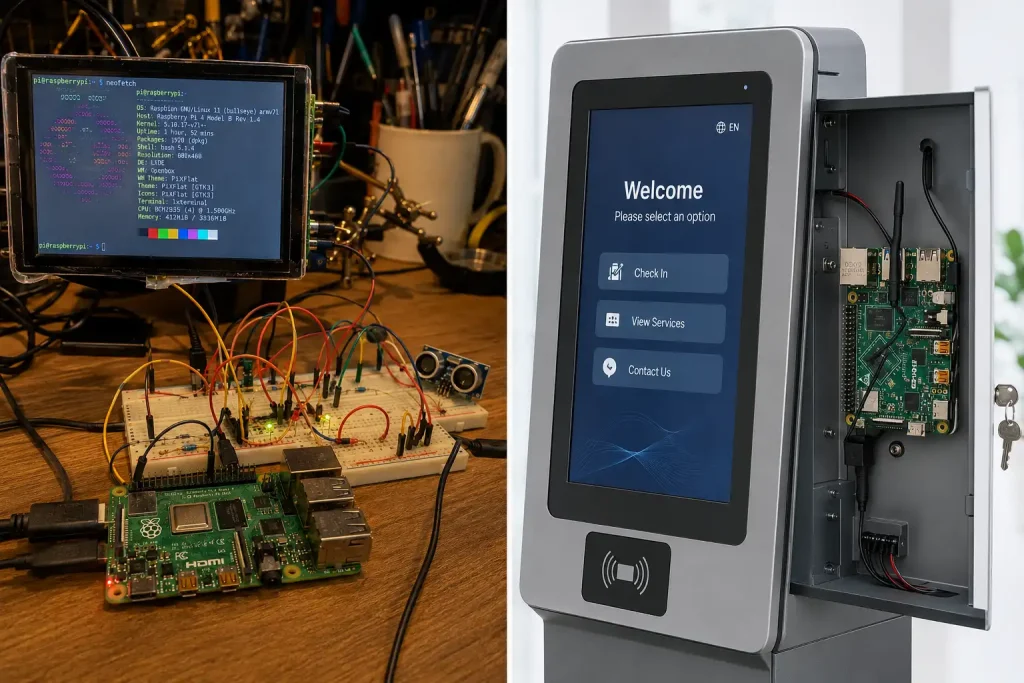
Where Raspberry Pi 4 Still Wins
Being honest about this comparison means acknowledging what the Pi does better. There are two areas where Pi 4 has a genuine, significant advantage.
Community and ecosystem. The Raspberry Pi community is the largest in single-board computing. When you hit a problem on Pi 4, someone has already solved it and written it up. Libraries, tutorials, ready-made Docker images, Python packages tested on Pi — the scope of this ecosystem is not exaggerated. The Raspberry Pi's ecosystem and community remain unparalleled. For a developer starting a new project with an unfamiliar technology, Pi 4 shortens development time simply because every question already has an answer online.
Raspberry Pi OS and pre-built software. Raspberry Pi OS is a polished, well-maintained Debian derivative with a massive pre-built software library. Node-RED, Home Assistant, Pi-hole, Nextcloud, and hundreds of other services have one-line install instructions for Pi OS. On an RK3566 running standard Debian or Ubuntu, most of these still install and run — but sometimes with more configuration effort.
The conclusion: Use Pi 4 for prototyping and internal tools where community support matters more than production-grade hardware. Transition to RK3566 when the project moves toward a product that ships, with customers who depend on it.
From the Factory Floor: Moving a Temperature Monitor from Pi 4 to RK3566
About eight months ago, a cold chain equipment company in South Korea came to us with a field reliability problem. They had deployed 60 temperature monitoring units — Raspberry Pi 4 boards running a custom Python data logger, reading from RS485 temperature sensors and sending data to AWS IoT Core. The hardware had taken three weeks to prototype and worked perfectly in the office.
In the field, 11 of the 60 units failed within eight months. The failure mode was always the same: the microSD card became read-only after filesystem corruption. In a freezer warehouse running at -20°C, with humidity cycling as doors opened and closed, the consumer microSD cards were being destroyed by thermal stress.
We recommended migrating to our RK3566 development board with eMMC storage. The migration took five days of engineering time. The Python application ran unchanged on Debian. The RS485 sensor polling worked on the same UART interface. The AWS IoT connection required no changes.
The replacement units have been running for seven months. No storage failures. The eMMC is rated for industrial temperature operation and is soldered to the PCB. It has no connector to vibrate loose or degrade from thermal cycling. The customer also took the opportunity to add a basic RKNN-based temperature anomaly detection model — using the RK3566 NPU that the Pi 4 could never have supported — to flag sensors that drift outside expected ranges before the readings become critical.
Total cost of the Pi 4 hardware failures across the fleet: field visits, replacement units, and customer goodwill — approximately $14,000. The migration to RK3566 cost about $3,200 in engineering time and the small BOM difference. It was the right decision. The lesson: prototype on the platform with the best community. Ship on the platform with the best hardware.
Supply Chain: The Production Reality of Each Platform
For a commercial product, supply chain predictability is as important as technical capability. In the RK3566 vs Raspberry Pi 4 comparison, this dimension often tips the decision for production teams. The Raspberry Pi 4 had well-documented stock shortages between 2021 and 2023. Customers were unable to order units for months. Companies with Pi-based products had to pause production. Raspberry Pi Ltd has improved availability since then, but the single-source risk remains: one manufacturer, one product line, one distribution network.
RK3566-based boards are manufactured by multiple vendors globally. ieeker's RK3566 boards ship from Shenzhen with stable lead times and no unit quantity restrictions. If a product needs 500 units in Q2 and another 1,000 in Q4, that can be planned and committed. There is no allocation lottery.
For a full framework on evaluating any embedded board supplier's supply continuity, component lifecycle commitment, and EOL notification policies, see our Guía de evaluación de fabricantes de placas embebidas.
RK3566 vs Raspberry Pi 4: When to Use Each
Use Raspberry Pi 4 if:
- You're building a prototype or proof of concept and need the fastest path to working code
- Your project uses software that already has a validated Pi install process — Home Assistant, Pi-hole, specific Python libraries
- You're teaching, learning, or doing maker projects where community resources are the primary value
- The end product is internal tooling (not customer-facing) and long-term reliability is less critical
Use RK3566 if:
- You're building a product that ships to customers and needs to run reliably for years in the field
- Your application includes AI inference — face recognition, object detection, anomaly detection — that Pi 4 cannot handle at real-time speeds
- Your display is an LVDS or eDP industrial panel that Pi 4 cannot natively drive
- Your product will be deployed in environments where microSD failure is a real risk (vibration, temperature extremes, high write cycles)
- You need production volumes without supply chain uncertainty
For the full ieeker RK3566 board specifications and SDK download, see the RK3566 product page. For a deeper comparison of RK3566 versus its industrial-grade sibling RK3568, see our RK3566 vs RK3568 comparison.
Transitioning from Raspberry Pi 4 to RK3566 for production?
Share your current Pi 4 application and we'll advise on migration path, BSP compatibility, and board configuration for your volume.
Request RK3566 Evaluation Board →Preguntas frecuentes
Is RK3566 faster than Raspberry Pi 4?
It depends on the workload. Pi 4's Cortex-A72 cores are faster per clock for single-threaded tasks. RK3566's Cortex-A55 cores are more power-efficient. In real-world embedded applications — HMI UI rendering, data logging, protocol handling — the two boards perform comparably. RK3566 has a major advantage for AI workloads thanks to its dedicated NPU.
Can RK3566 run Raspberry Pi OS?
Not directly. Raspberry Pi OS is compiled for the BCM2711 and optimized for Raspberry Pi hardware. RK3566 runs Debian or Ubuntu with a Rockchip BSP, which gives you a similar environment but without Raspberry Pi OS's specific optimizations or its built-in software library. Most applications that run on Pi OS will run on Debian on RK3566 with minor configuration changes.
Does RK3566 have a 40-pin GPIO header like Raspberry Pi?
Many RK3566 development boards include a 40-pin GPIO header in a layout compatible with Raspberry Pi accessories. Pin functions differ from Pi's BCM GPIO numbering — you will need to update any GPIO-dependent code to use the correct RK3566 pin references. Physical compatibility with Pi HATs varies by HAT design.
Why did Raspberry Pi 4 have stock shortages?
During 2021–2023, the global semiconductor shortage combined with high demand left Raspberry Pi 4 out of stock for months at a time. Raspberry Pi Ltd sources its Broadcom BCM2711 SoC from a single supplier on a custom basis, limiting their ability to rapidly increase production. Supply has improved since then, but the experience highlighted the single-source risk for commercial products planning multi-year production runs.
What is the RK3566 equivalent to Raspberry Pi?
RK3566 is not a direct equivalent — it's a different chip targeting a different primary use case. As a full SBC, it's a comparable tier to Raspberry Pi 4 in compute capability. Several vendors (Radxa, Orange Pi, Waveshare) have produced RK3566 modules in the Raspberry Pi Compute Module 4 form factor. These are designed as CM4-compatible alternatives for industrial deployments, not plug-in replacements for the Pi 4 Model B.
Fuentes y referencias